Account and settings
White-label ThoughtMetric
Replace ThoughtMetric branding with your own logo.
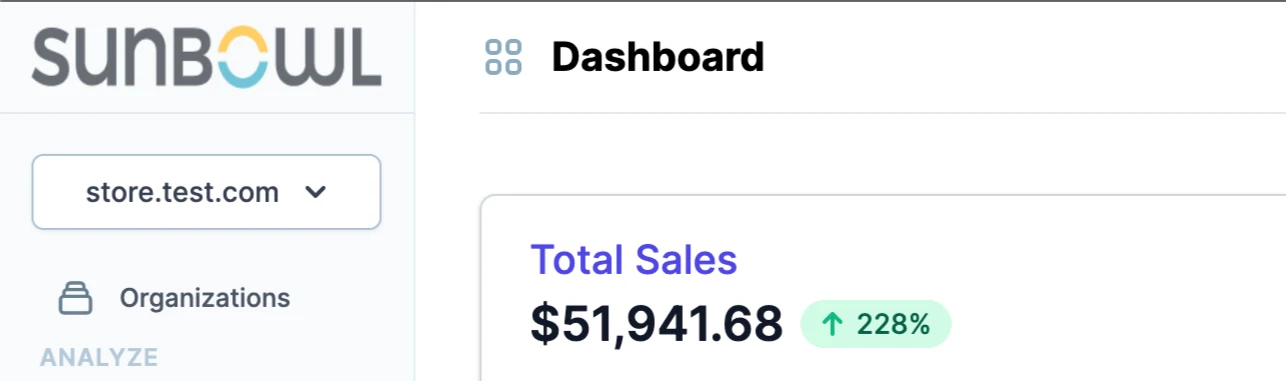
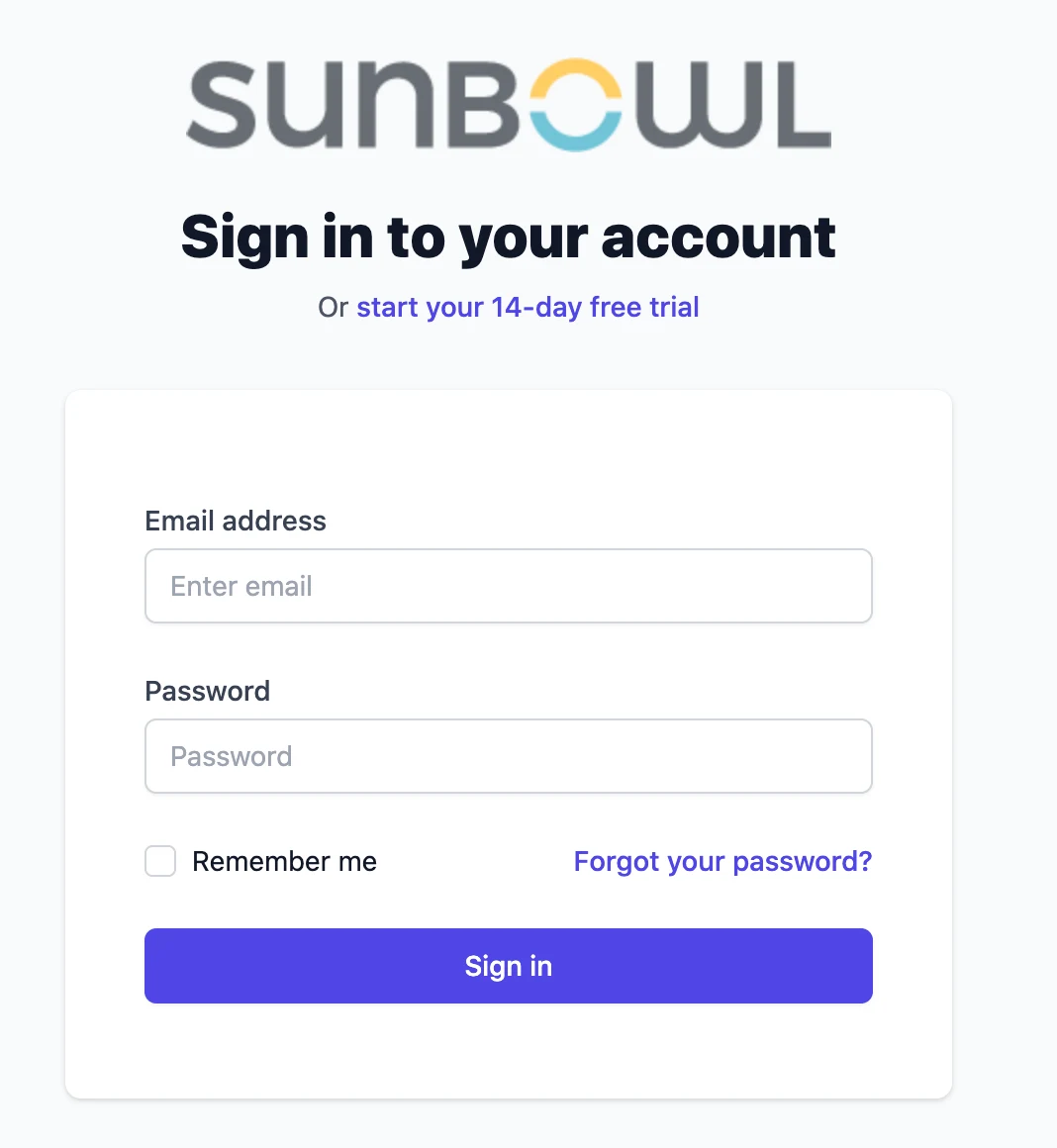
You can white label ThoughtMetric by replacing the ThoughtMetric logos on the dashboard and login pages with your own custom logo.
This feature is only enabled for agencies. Reach out to support to enable it.
-
Open the account settings page
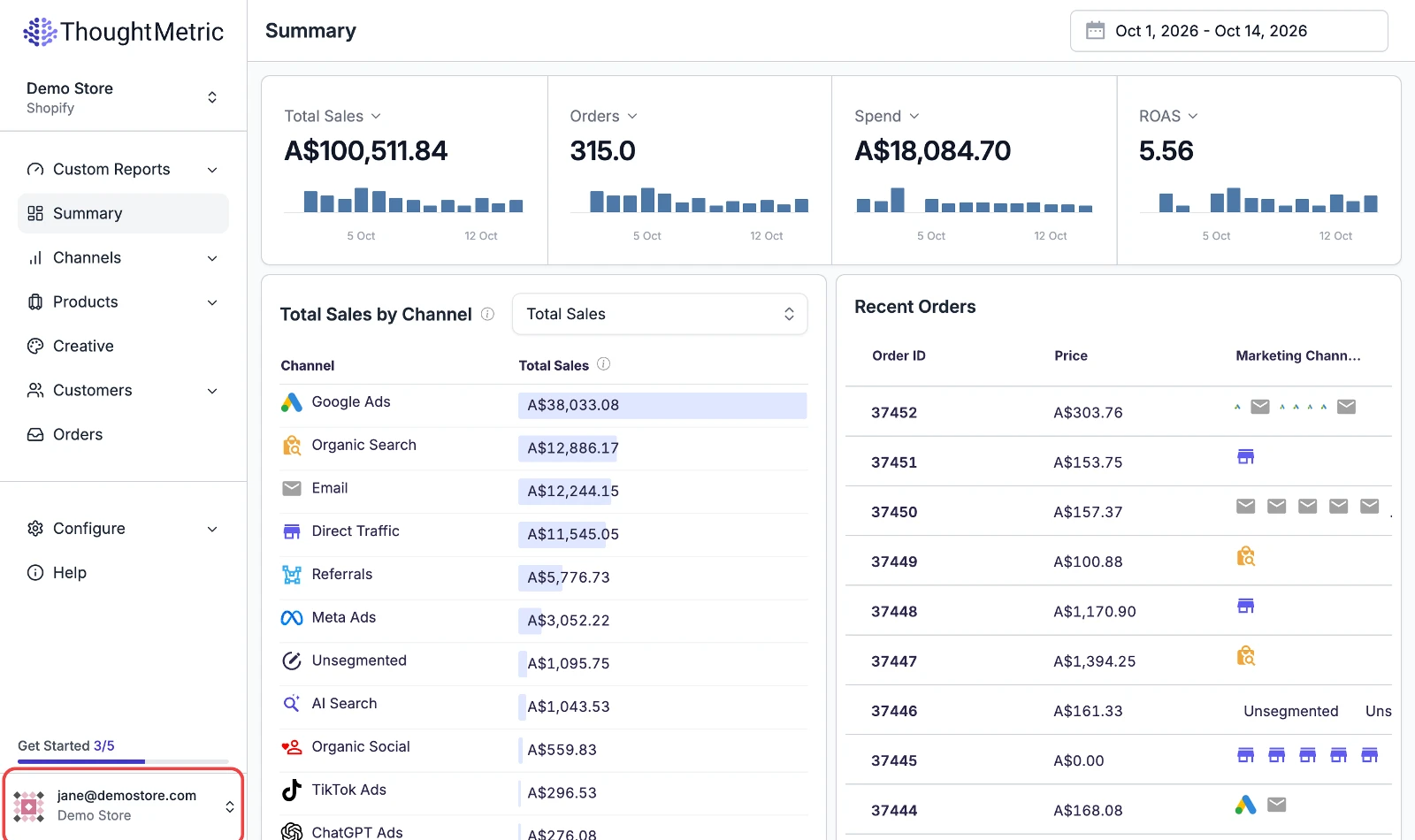
Click the account button at the bottom left of the screen to navigate to the account settings page.
-
Open the white label section
Click the White Label button to access the white label section of your organization settings. If you don't see this button, the white label feature isn't activated for your account and you need to contact support.
-
Upload your logo
Upload your logo and click Save Image. We recommend using a logo image with a horizontal aspect ratio.
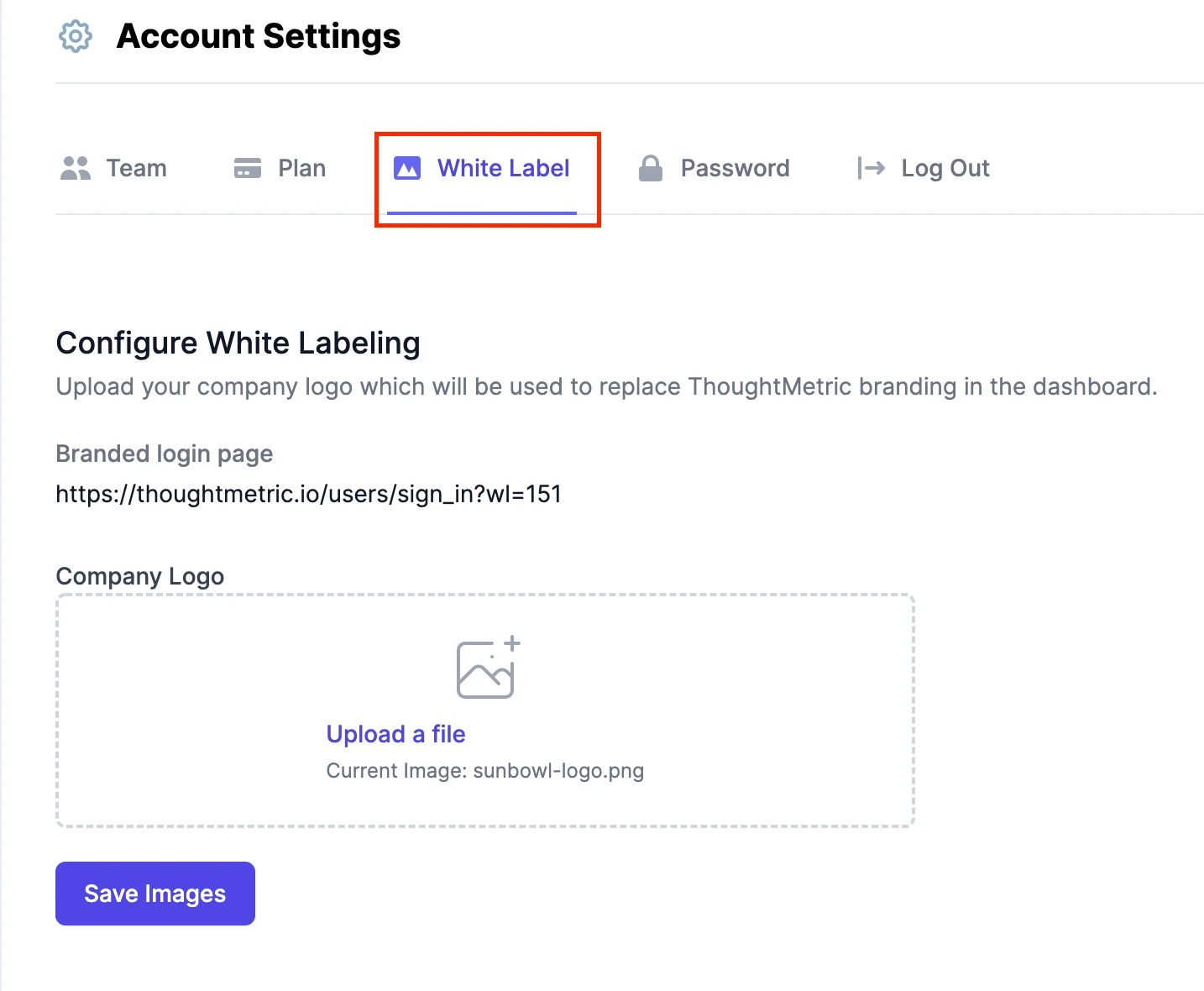
The Branded login page link takes you to a white-labeled login page that uses your logo.
Your logo now shows up in place of the ThoughtMetric logo on the dashboard and login pages.