Attribution
Change the lookback window
Change how far back ThoughtMetric looks for touchpoints before an order.
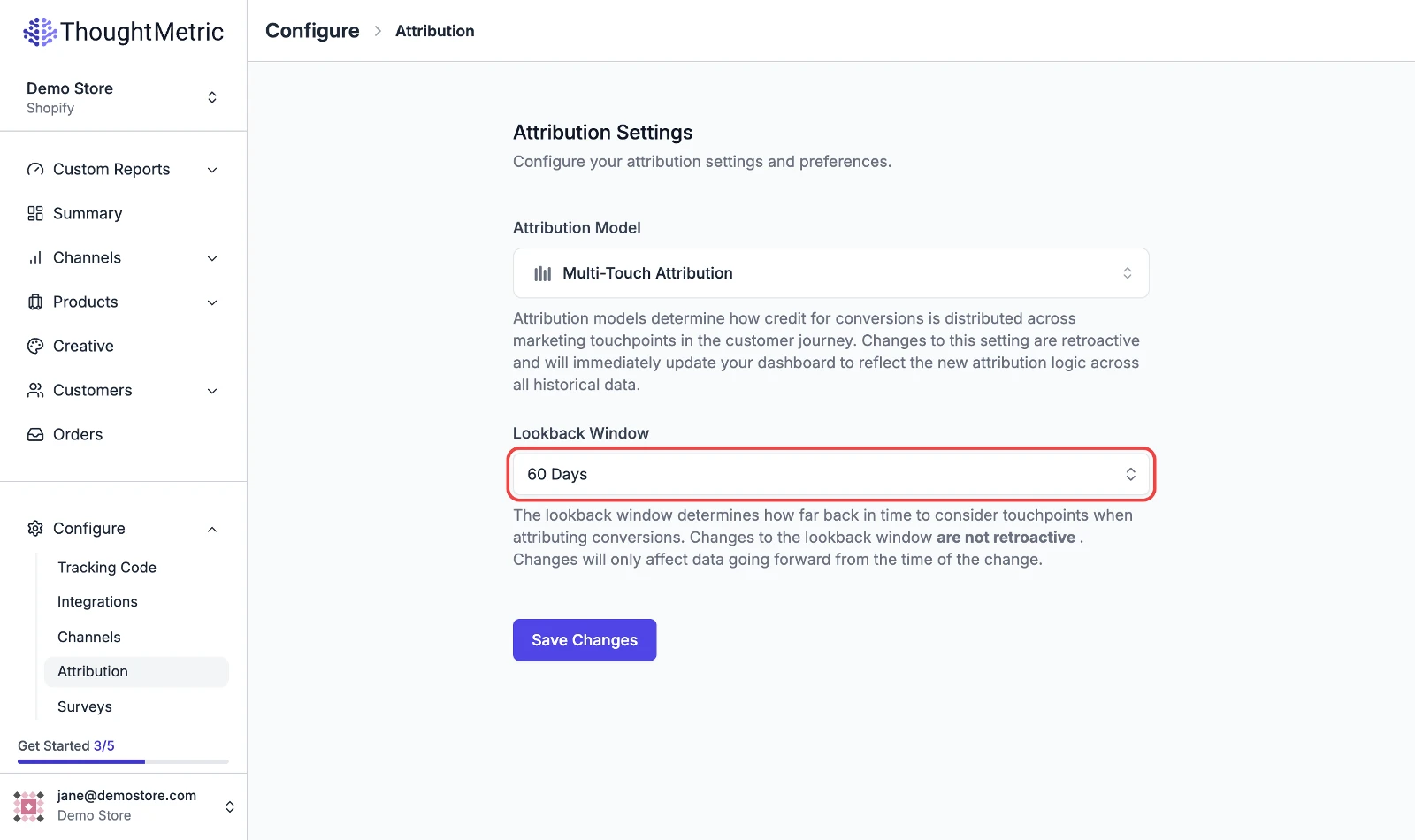
ThoughtMetric provides a configurable lookback window, so you can customize how you analyze your marketing data. The lookback window determines how far back in time to consider touchpoints when attributing conversions.
Changes to the lookback window are not retroactive. They only affect data going forward from the time of the change.
-
Open the attribution settings
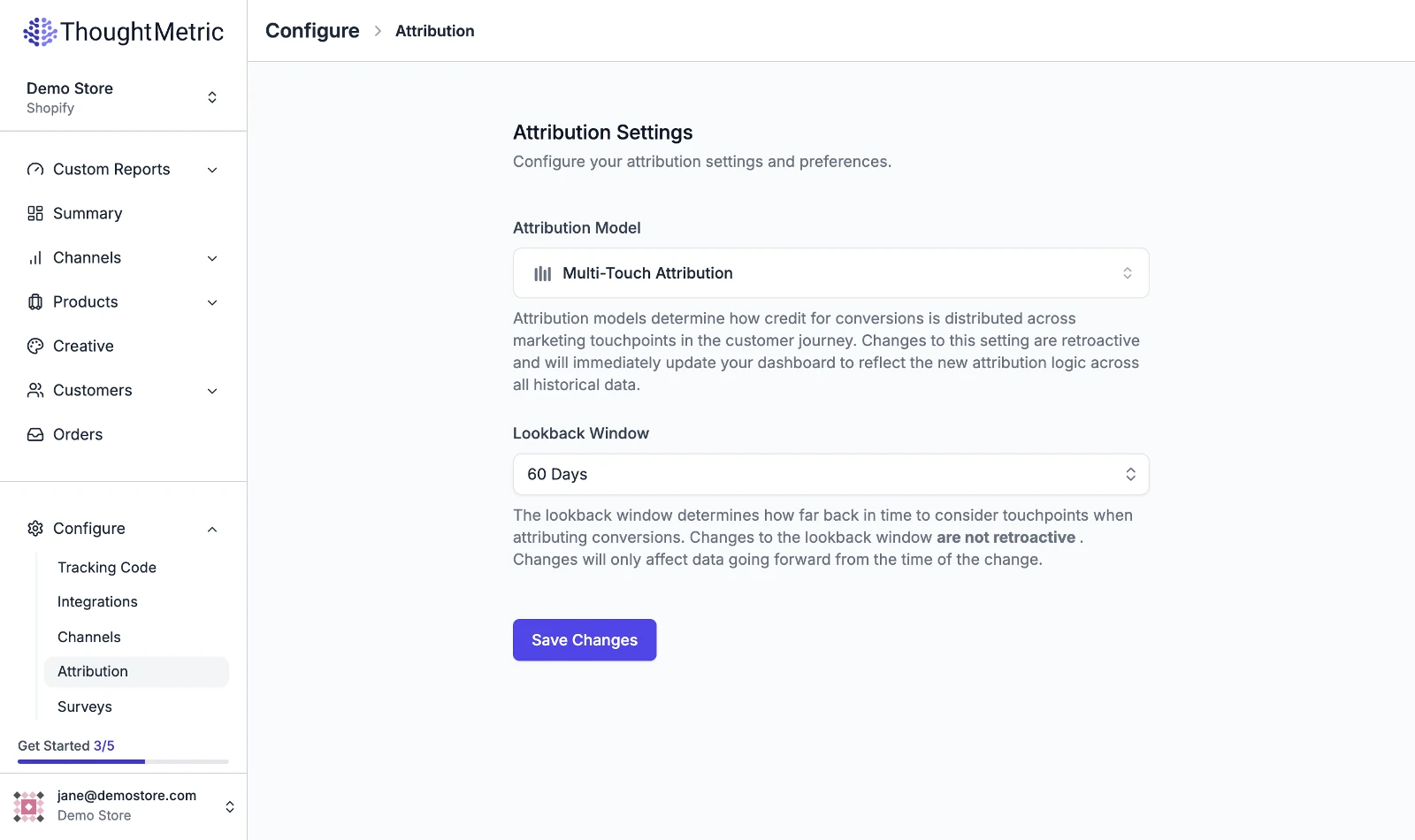
Navigate to Configure → Attribution in the left-side nav.
-
Select a lookback window
Select the lookback window that you want to use from the dropdown.
-
Click Save Changes.