Account and settings
Manage multiple stores
Add and switch between stores in one ThoughtMetric account.
ThoughtMetric makes it easy to track and compare metrics across multiple stores within your business.
How organizations and stores work
When you sign up for ThoughtMetric, an organization is automatically created for you. Within this organization, you can add multiple stores to track each store's performance separately.
Add a new store
-
Start a new store
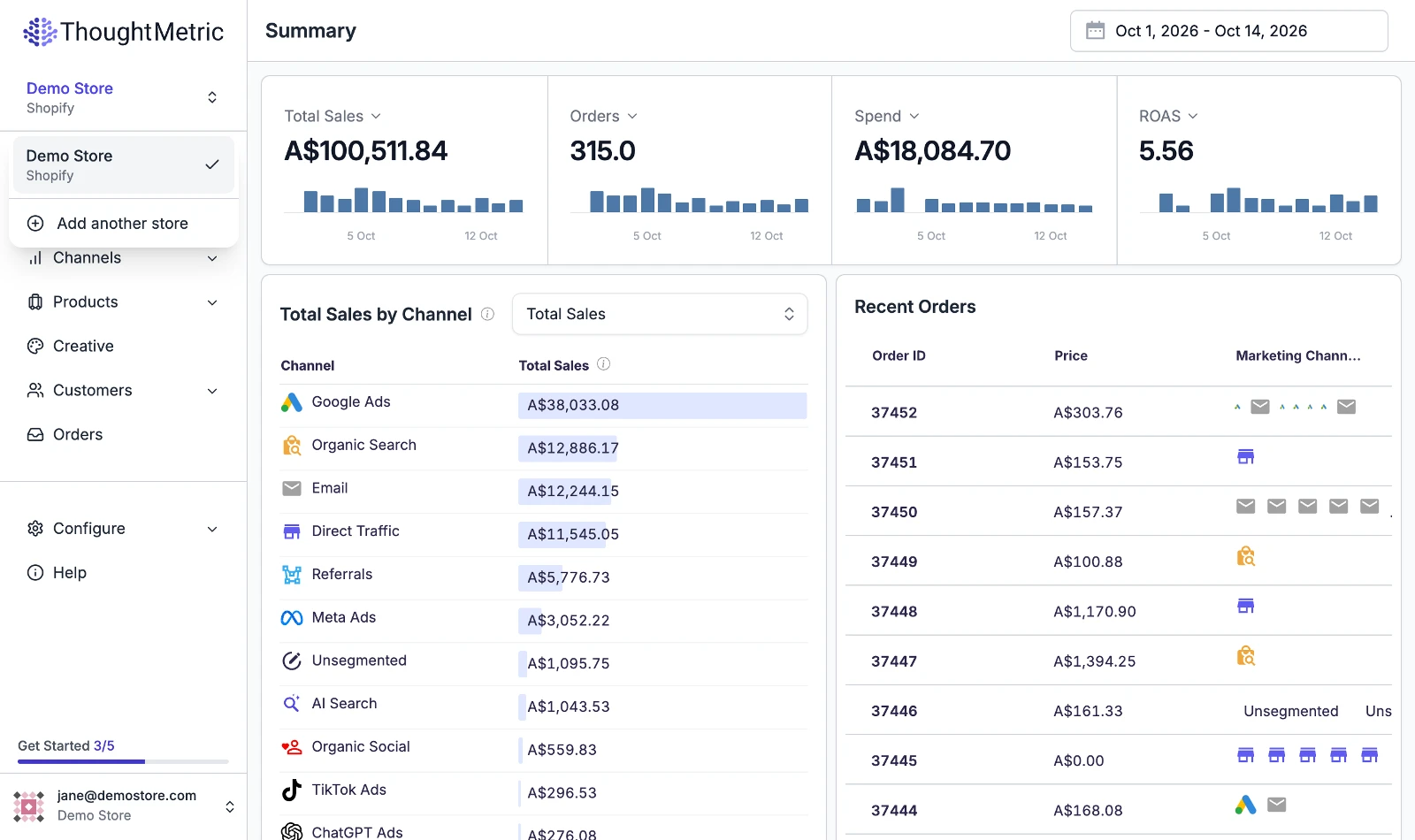
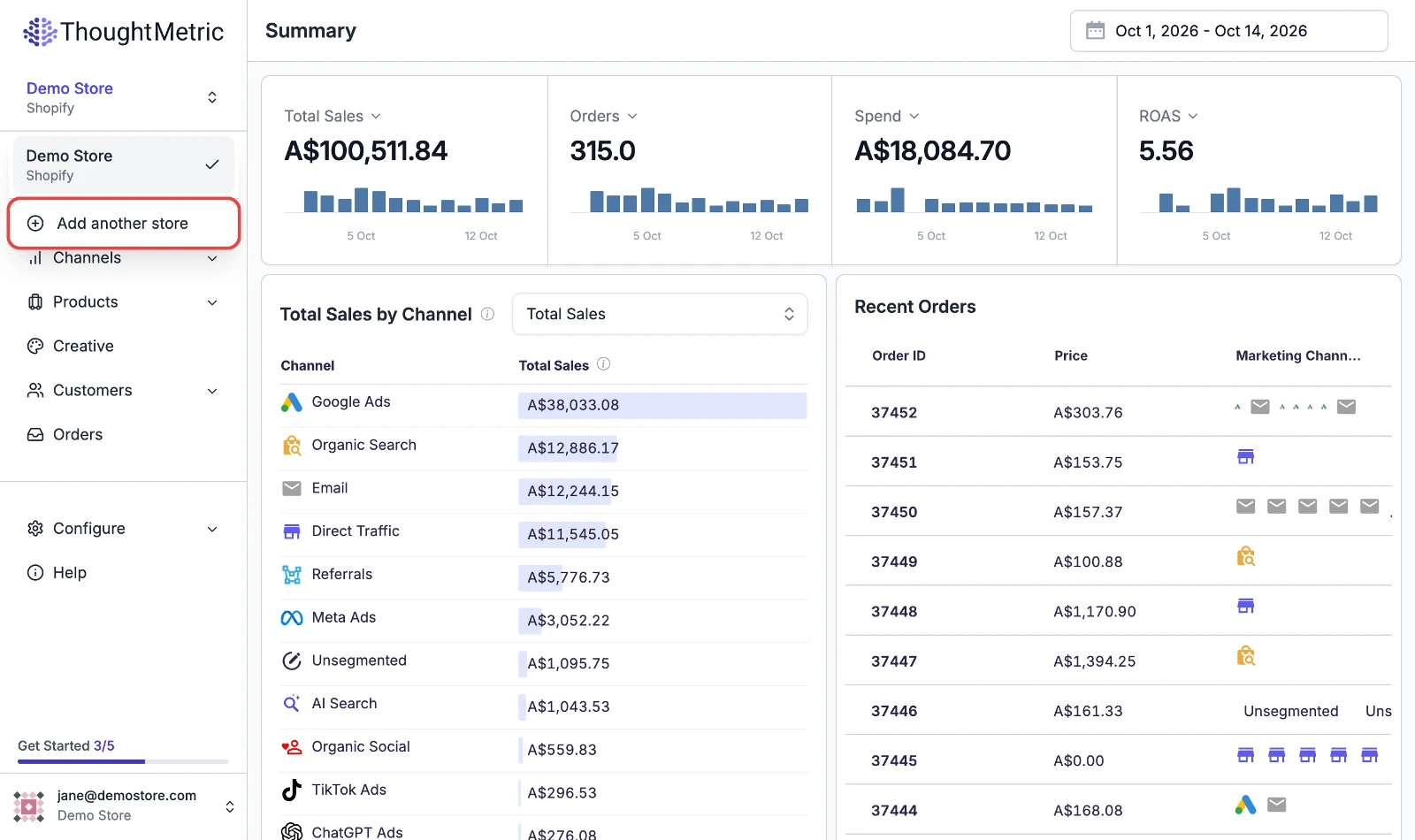
Open the dropdown at the top left of the side nav and click Add another store.
-
Create the store
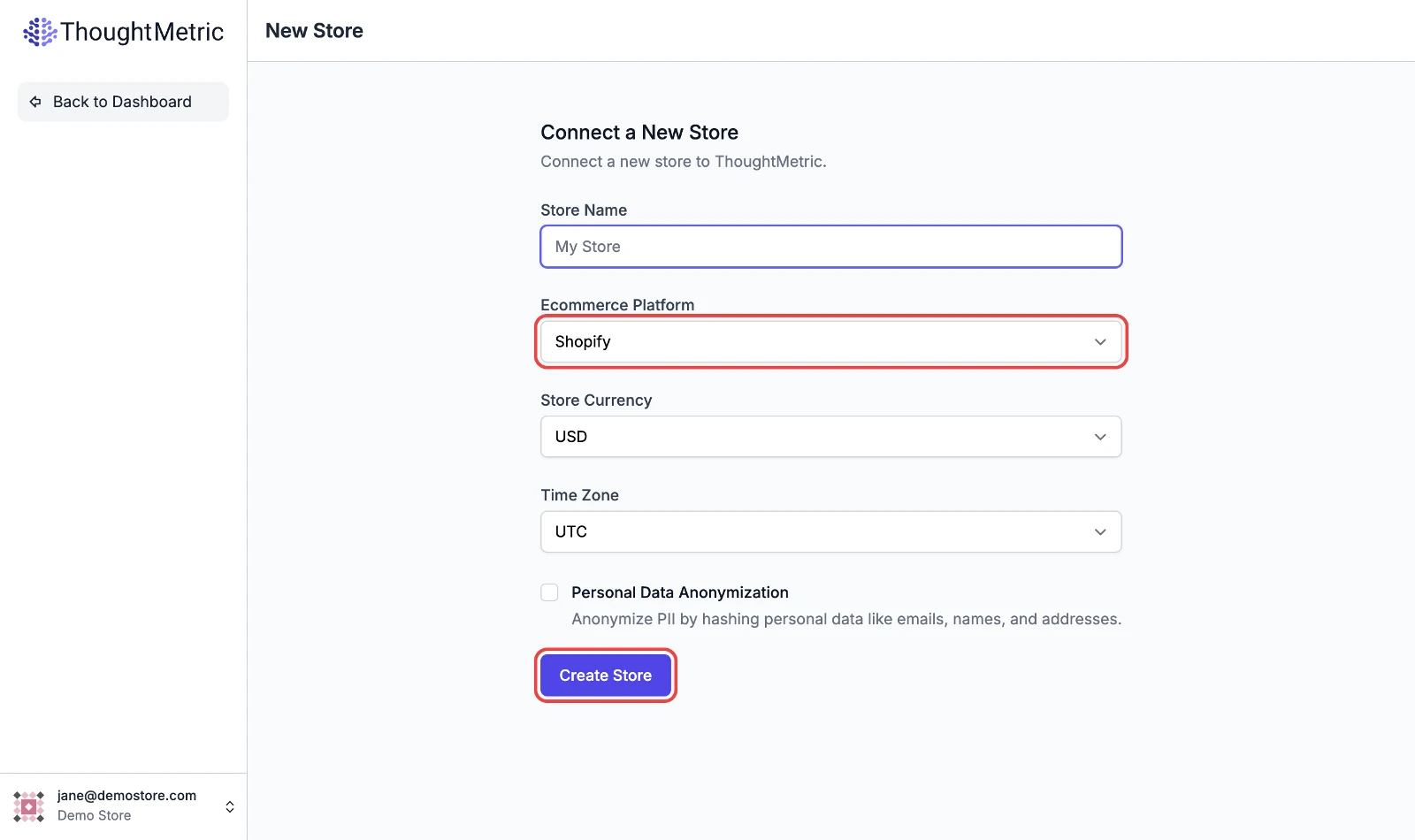
Give your new store a name, select the e-commerce platform that your store uses, then click Create Store.
-
Install the tracking pixel
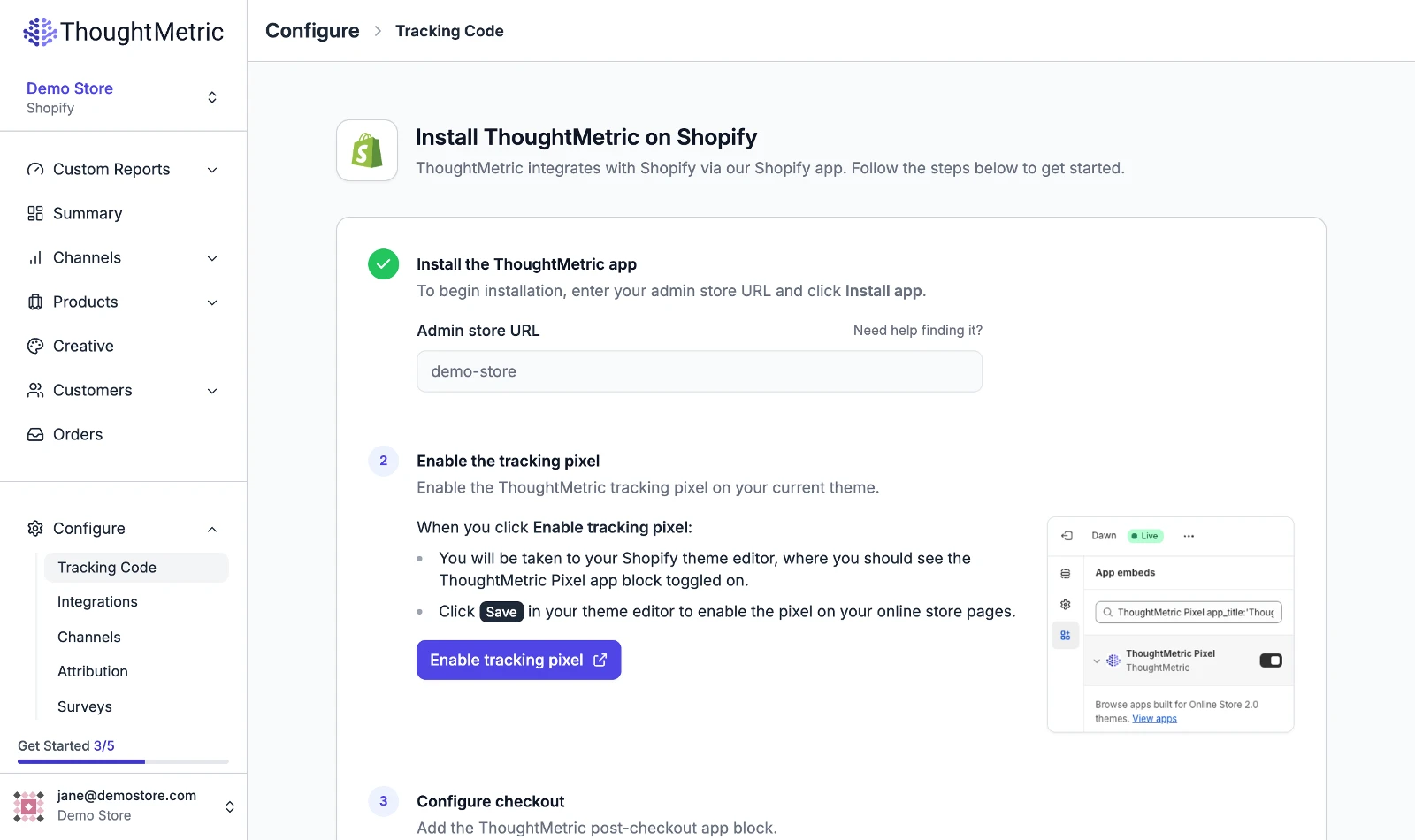
Follow the onboarding instructions to get the ThoughtMetric tracking pixel installed on your store.
-
Switch between stores
Your new store now appears in the store dropdown list. Click a store in this list to see the metrics and performance for that particular store. The performance metrics, customers, and orders for each store are tracked separately.