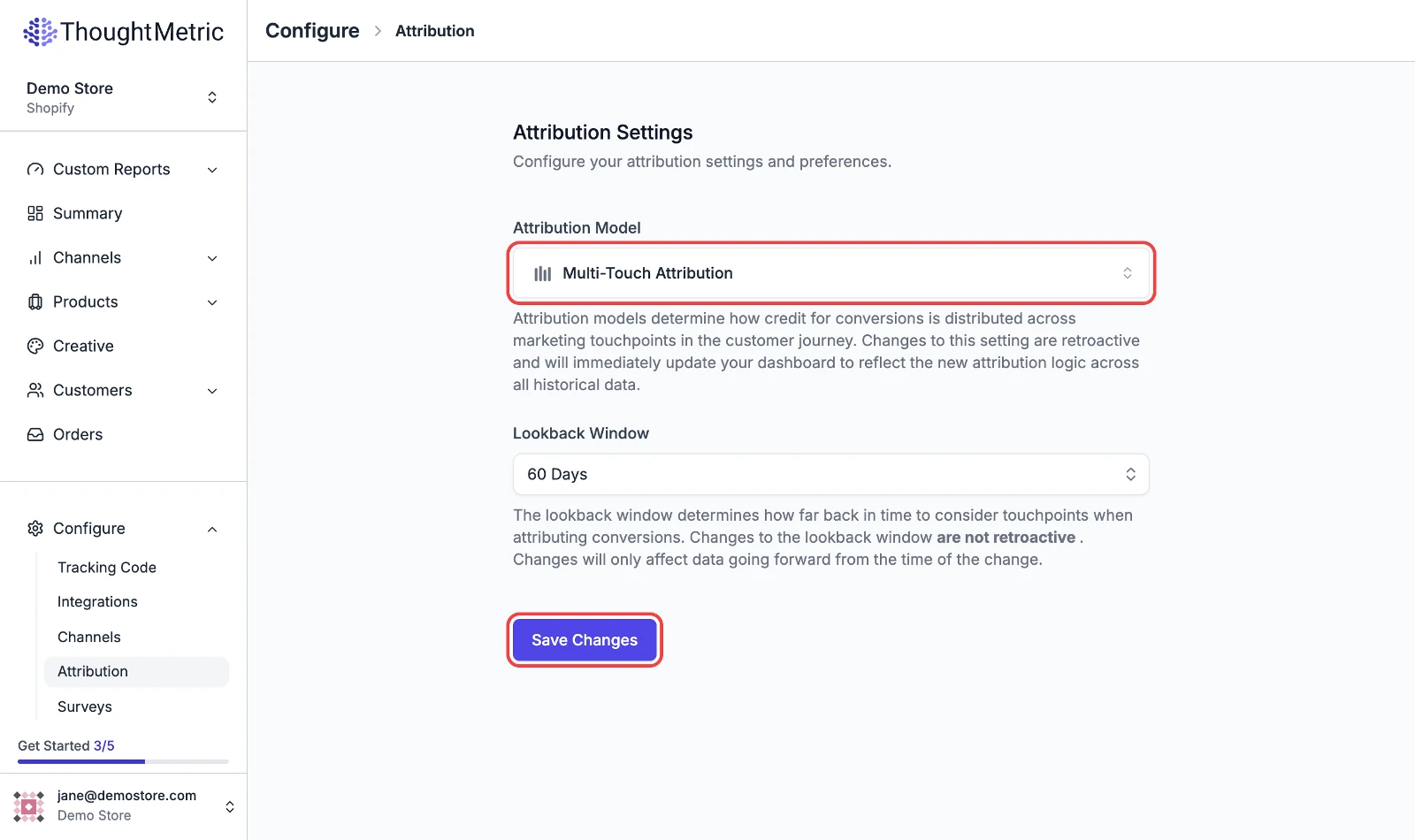
Attribution
Change the attribution model
Switch the attribution model used across your reports.
ThoughtMetric offers multiple attribution models, so you can customize how you analyze your marketing data. The available models are described in Attribution models.
Changes to the attribution model are retroactive. All of the data across all of your dashboards immediately changes to display using the newly configured model. You can switch back and forth between models at any time.
-
Open the attribution settings
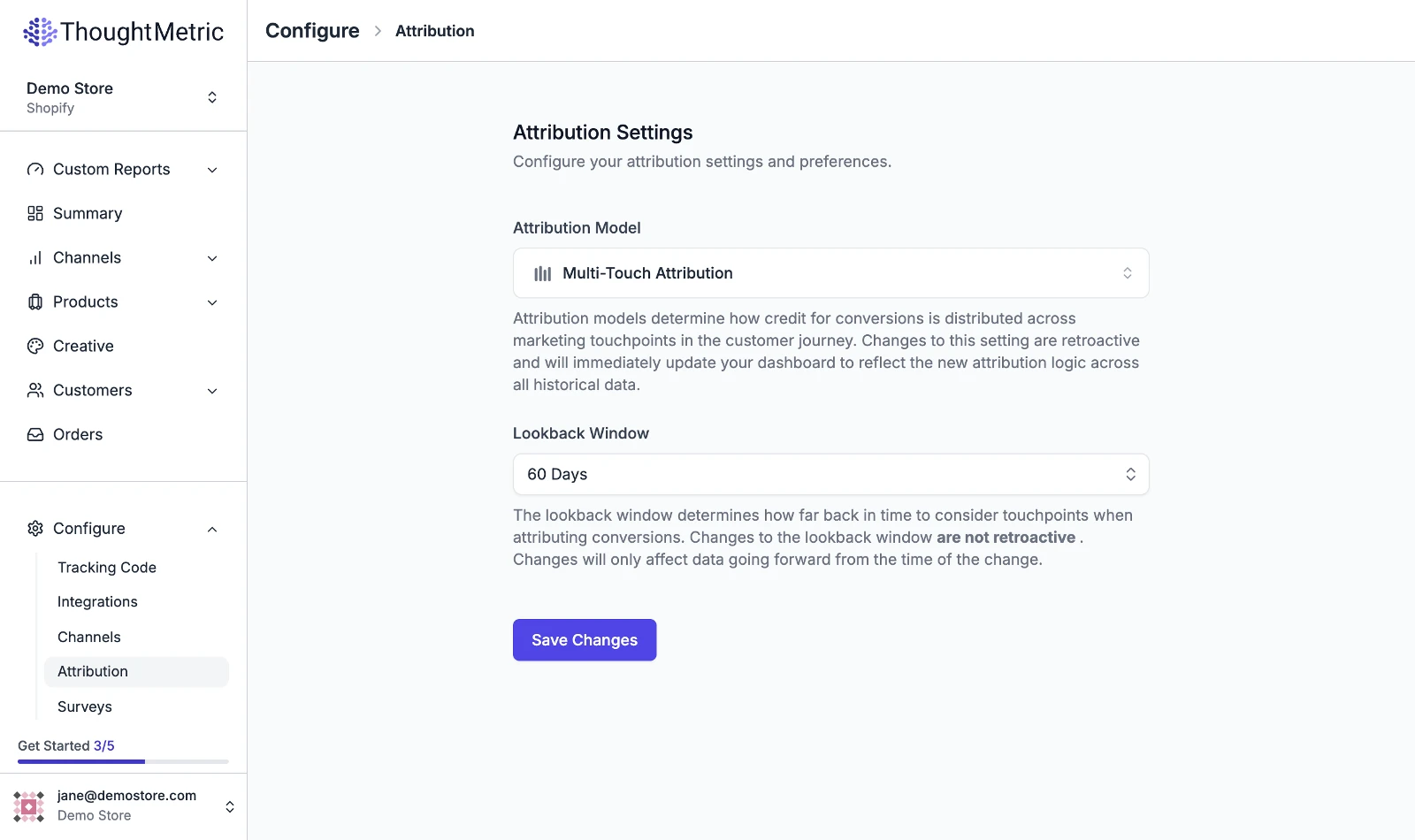
Navigate to Configure → Attribution in the left-side nav.
-
Select an attribution model
Select the attribution model that you want to use from the dropdown.
-
Click Save Changes to change the model used.