Ad tracking parameters
Snapchat Ads tracking parameters
Add ThoughtMetric tracking parameters to your Snapchat ads.
For the most accurate tracking of your Snapchat Ads, add the ThoughtMetric tracking parameters to your Snapchat Ads by following this guide.
Tracking parameter
The ThoughtMetric tracking parameter for Snapchat Ads is:
&tmsrc=snapchatad&tmcid={{campaign.id}}&tmsid={{adSet.id}}&tmid={{ad.id}}Add the parameter to your Snapchat Ads
These steps apply to all new ads created going forward.
-
Copy the ThoughtMetric tracking parameter.
-
Open your ad accounts
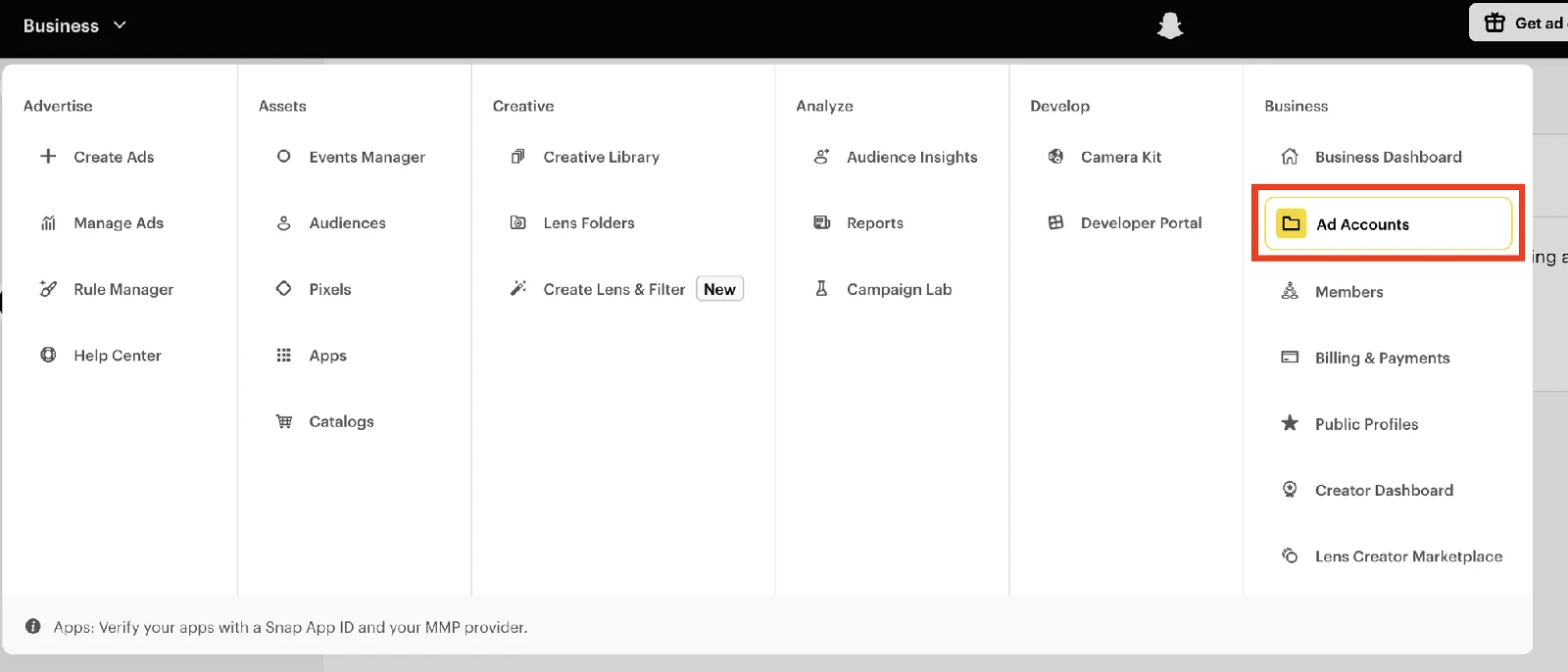
Select Business → Ad Accounts from the top-left menu in the Snapchat Ads Manager.
-
Open the URL parameters for each account
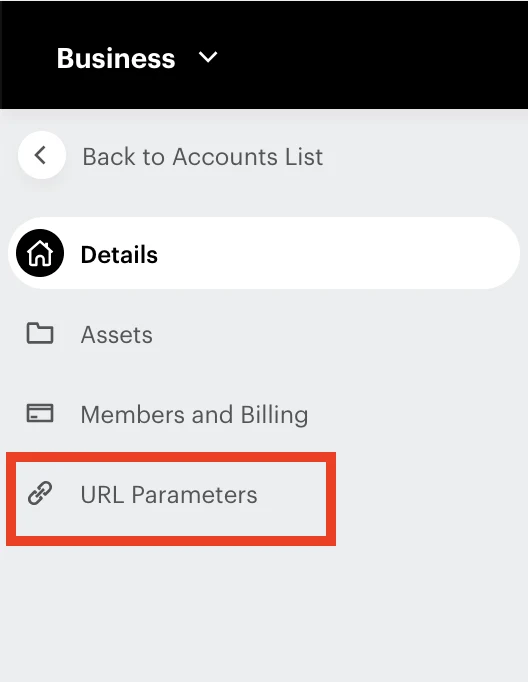
For each account, click on it, then click URL Parameters in the left sidebar.
-
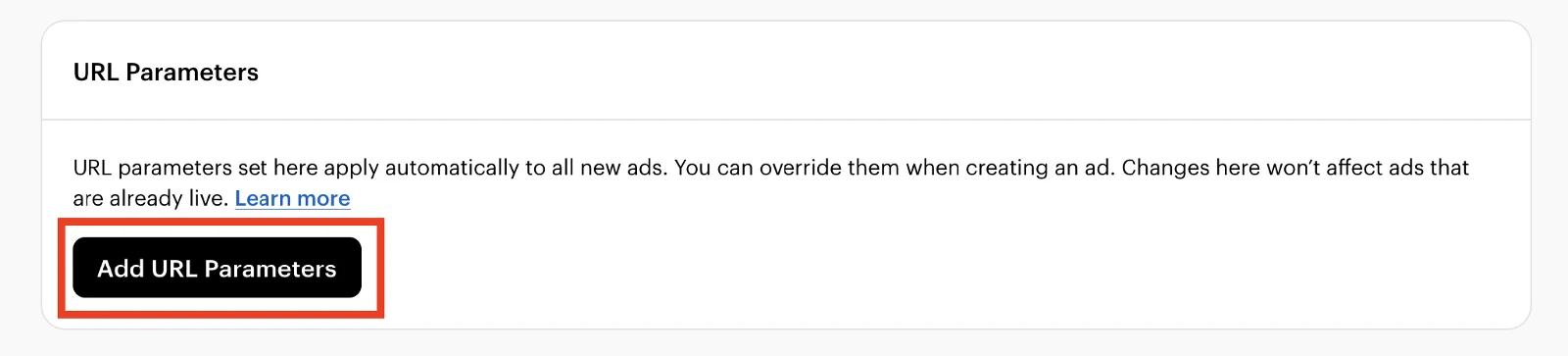
Click Add URL Parameters.