
JavaScript API
Add the survey to a custom site
Add the post-purchase survey to a custom HTML checkout.
You can collect additional attribution data directly from your customers by enabling ThoughtMetric's post-purchase "How did you hear about us?" survey. Once configured, ThoughtMetric inserts a simple survey into your store's normal post-checkout page that asks customers how they first heard about your store. The survey results are factored into the ThoughtMetric attribution model behind the scenes to increase data accuracy and fill in blind spots.
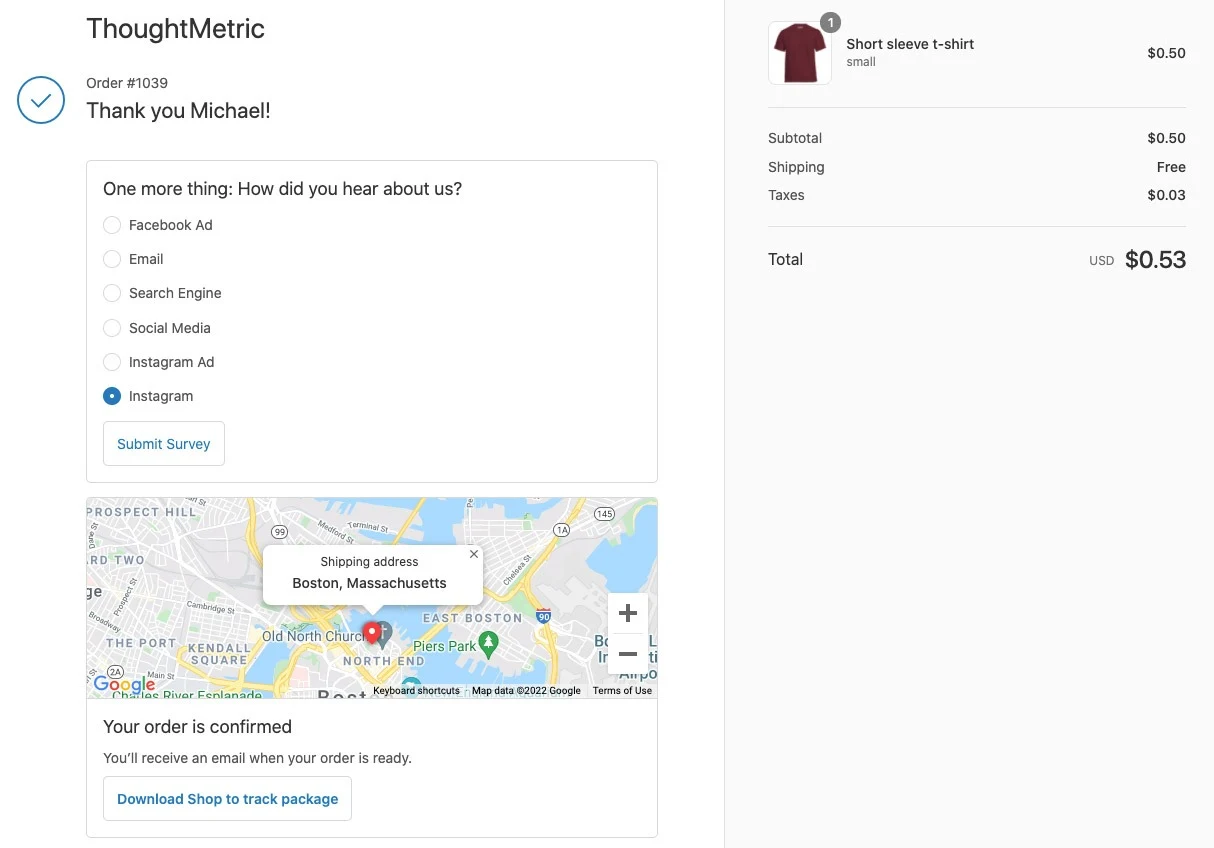
Add the survey to your post-checkout page
The ThoughtMetric pixel does most of the heavy lifting of rendering the survey and handling the responses.
The ThoughtMetric pixel must be installed on your site before the survey can render. If you haven't installed it yet, follow the pixel installation instructions first.
-
Add the HTML snippet to the page
Add the following HTML snippet to your post-checkout page. It tells ThoughtMetric where to position the survey on the page.
<div id="thought_survey"></div> -
Style the survey
The survey comes mostly unstyled and by default will probably not match your custom site. Add some CSS to your page so the survey matches your site's styling. These default styles will help you get started.
<style> #thought_survey { width: 400px; margin-top: 5px; margin-left: auto; margin-right: auto; } #tm_question { font-size: 19px !important; } #tm_thank { font-size: 19px !important; } .tm_response { padding-top: 3px !important; padding-bottom: 3px !important; } #tm_submit { padding: 7px !important; } </style> -
Call the identify function
The
identify()JavaScript function is part of the ThoughtMetric API and tells ThoughtMetric the identity of a customer. Calling it starts the rendering process for the survey. The survey will not work if this function is not called. See theidentify()reference for details.